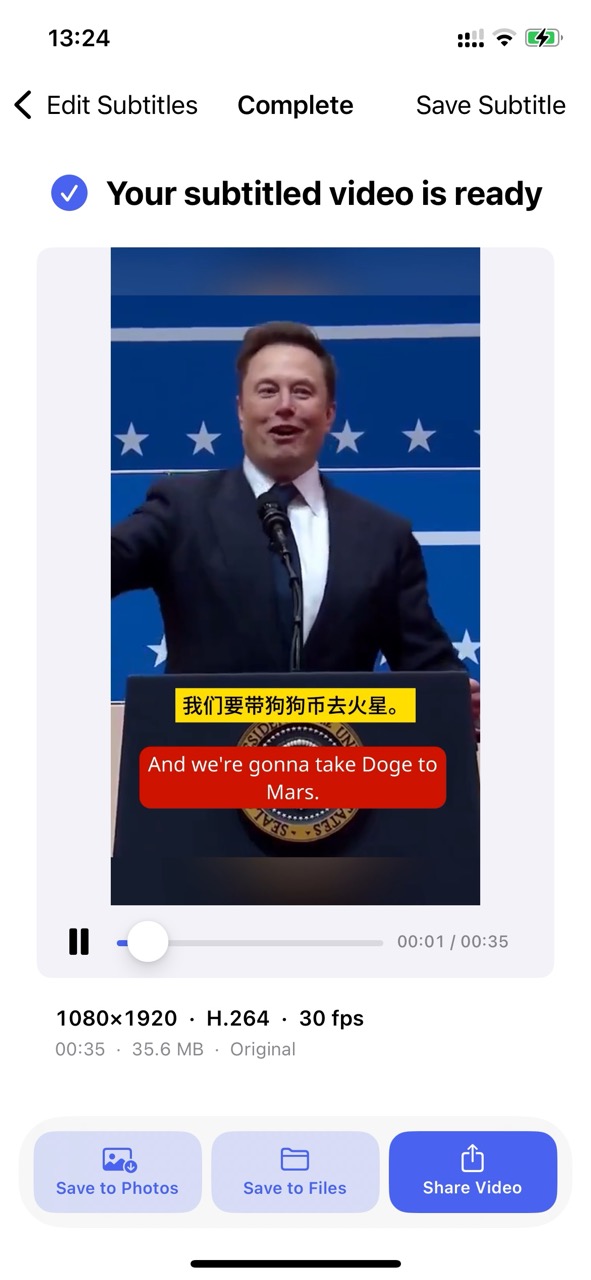
Add Subtitles to Video – Speech-to-Text & Multilingual Subtitles
Add Subtitles to Video automatically recognizes and transcribes speech from videos and audio files. Easily edit, review, and translate captions with AI into multiple languages. Customize typography, colors, and layout, then export standalone subtitle files (SRT/TXT/Markdown) or render high-definition subtitled videos directly on your device.
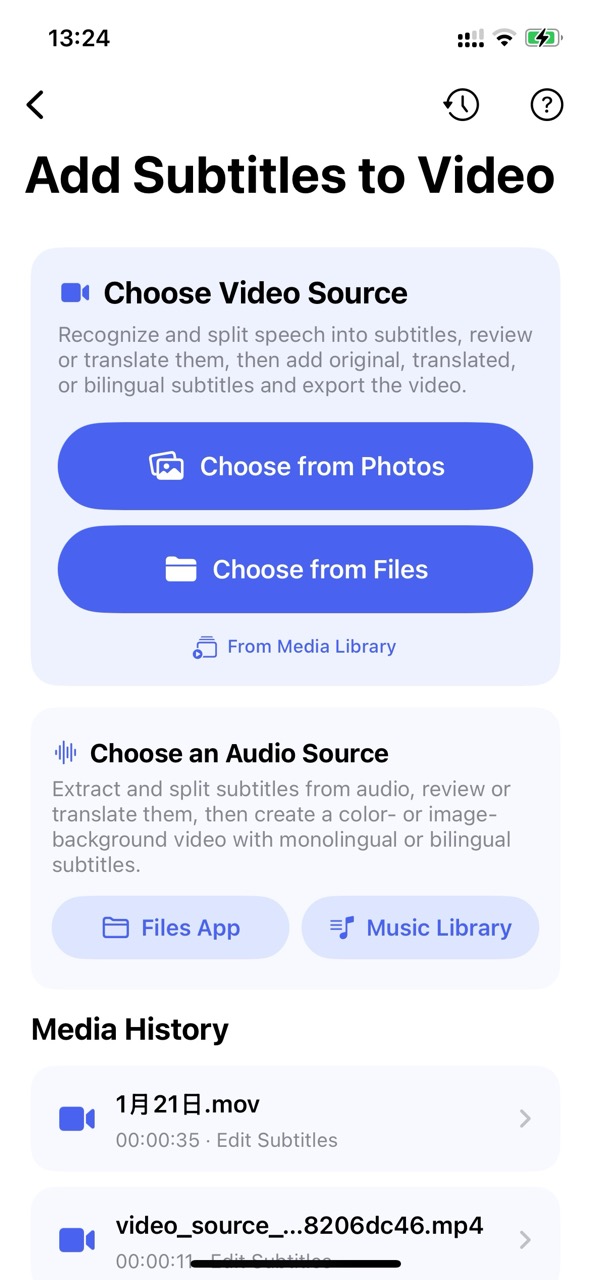
1. Choose Video or Audio Source
Select a video from your Photos, Files app, or Media Library. You can also pick an audio file from Files or your Music library to create videos with custom backgrounds.
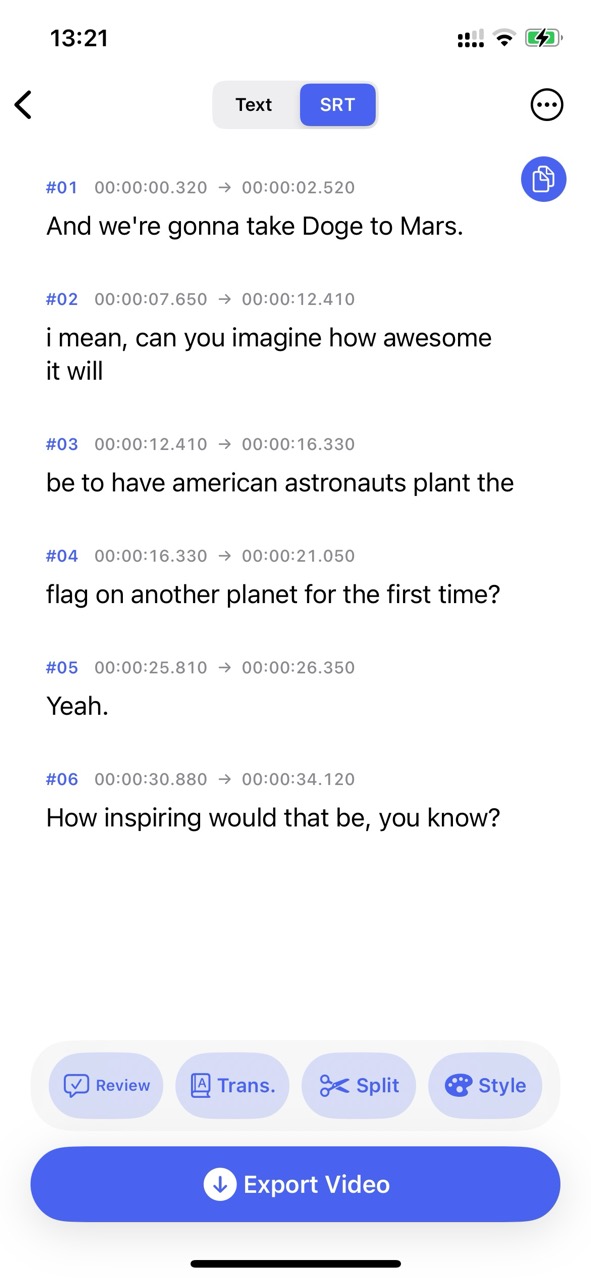
2. Transcribe Speech into Subtitles
The tool utilizes advanced speech recognition algorithms to extract audio, split timestamps precisely, and generate synchronized SRT subtitles.
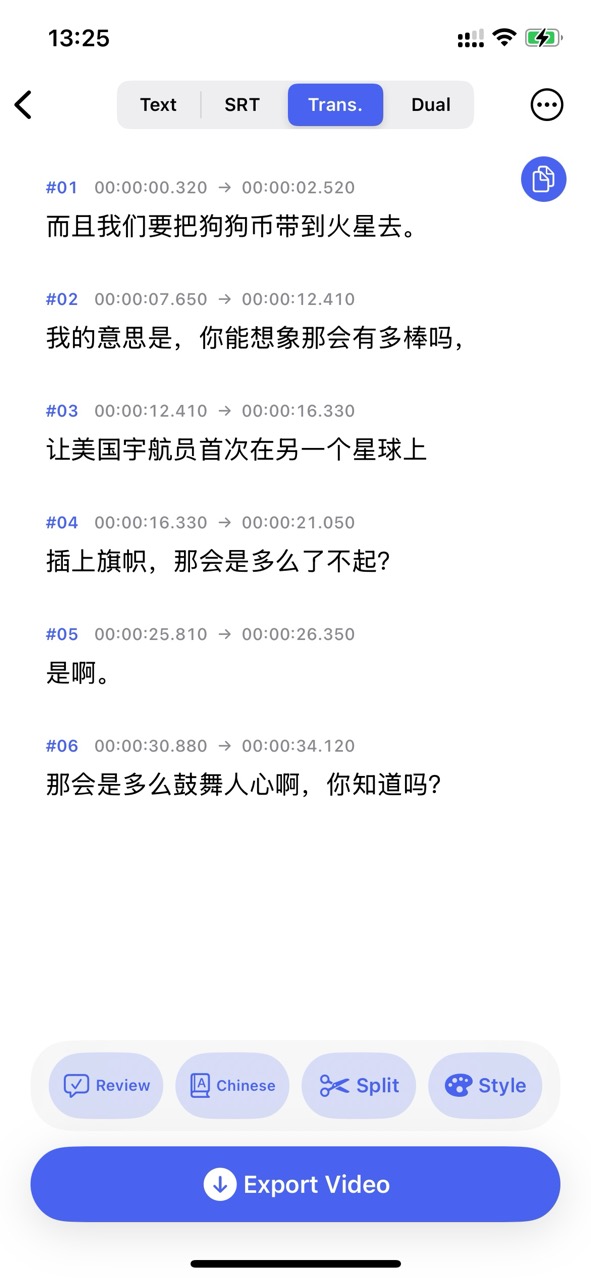
3. AI Multilingual Translation
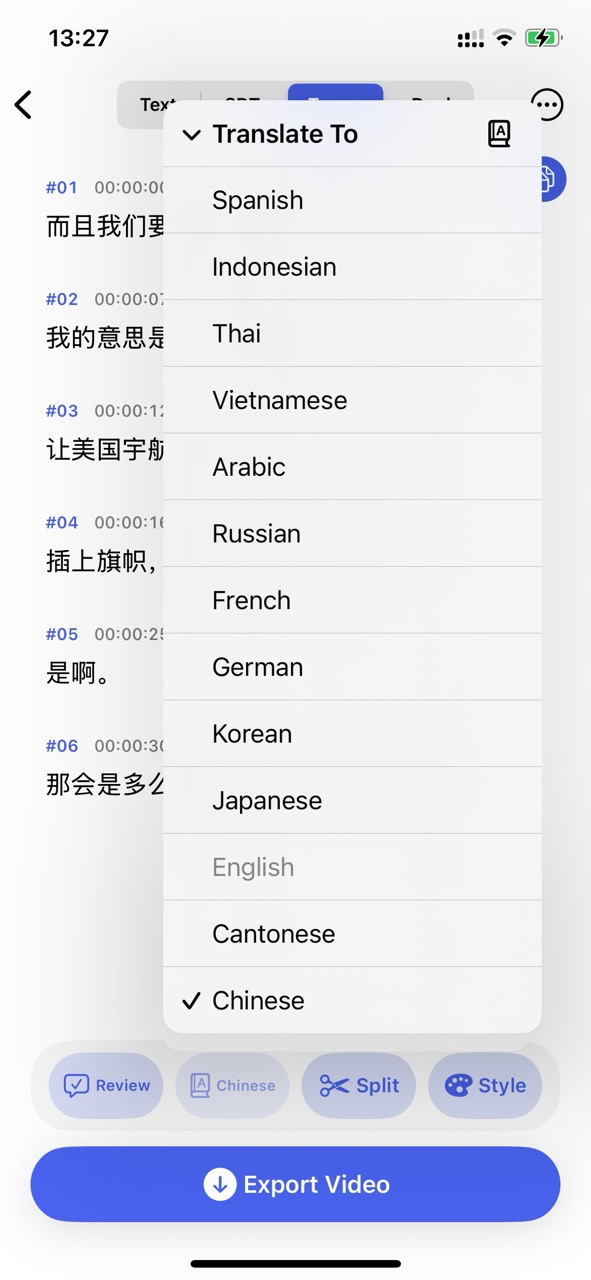
Translate transcribed subtitles into Spanish, Japanese, Korean, French, German, Russian, Chinese, and more with one tap to reach global audiences.
4. Bilingual Captions & Style Customization
Switch between original, translated, or bilingual subtitles with live preview. Adjust font size, color, stroke outline, background box, and alignment.
5. Export Subtitle Files
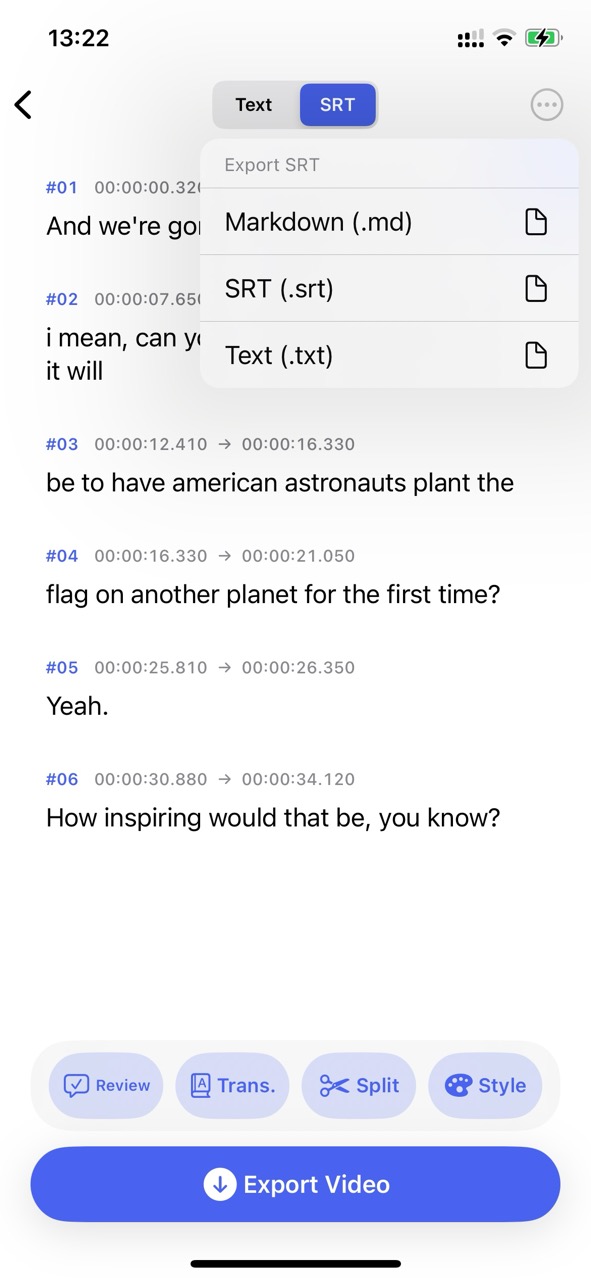
In addition to rendering videos, export your reviewed subtitles as standard SRT (.srt), Markdown (.md), or plain text (.txt) files for backup or external editors.
6. Render and Export Video
Burn subtitles into your high-definition video locally on your device. Once rendered, preview, save to Photos or Files, or share directly to TikTok, YouTube, and Instagram.
Note: Video rendering and local processing run entirely on your device.